Recording Variables in Web Tests
During a recording session, you can capture live values directly from your web application's UI — such as generated IDs, confirmation messages, or displayed prices — and store them as variables to reuse in later test steps.
This is essential for building dynamic, chained test flows that reflect how a real user interacts with an application.
How It Works
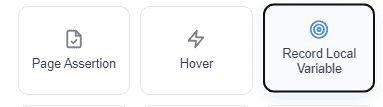
- While the recorder is active, click the Record Local Variable tool in the Robonito recording toolbar.
- Click on the UI element that contains the value you want to capture (e.g., a displayed Order ID like
ORD-12345). - Give the variable a name (e.g.,
orderId). - The value is stored in memory and available for the rest of the test.
Using a Captured Variable
Once a variable is stored, you can inject it into any subsequent input field:
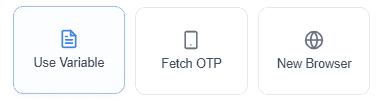
- Click the Use Variable tool in the recording toolbar.
- Select the input field where you want to inject the value.
- Choose the variable from the dropdown list (e.g.,
orderId).
Robonito will automatically substitute {{orderId}} with the actual captured value during playback.
Practical Example
Scenario: You create an order and want to verify its details page.
- Record the checkout flow.
- Use Record Local Variable to capture the displayed
Order ID→ saved as{{orderId}}. - In the next step, navigate to
https://yourapp.com/orders/{{orderId}}. - Add an assertion to verify the order details page loaded for the correct order.
Important Notes
- Variables captured during recording are local to the current test case.
- Variable names are case-sensitive (
orderId≠OrderId). - If the source element is not found during playback, the variable will be empty and downstream steps that depend on it may fail.
- Variables can also be passed between test cases using the Global Variables system.