Asana Integration
The Asana integration connects Robonito to your Asana workspace, enabling you to create Asana tasks from failed test runs and reference Asana tasks as context in AI Studio sessions.
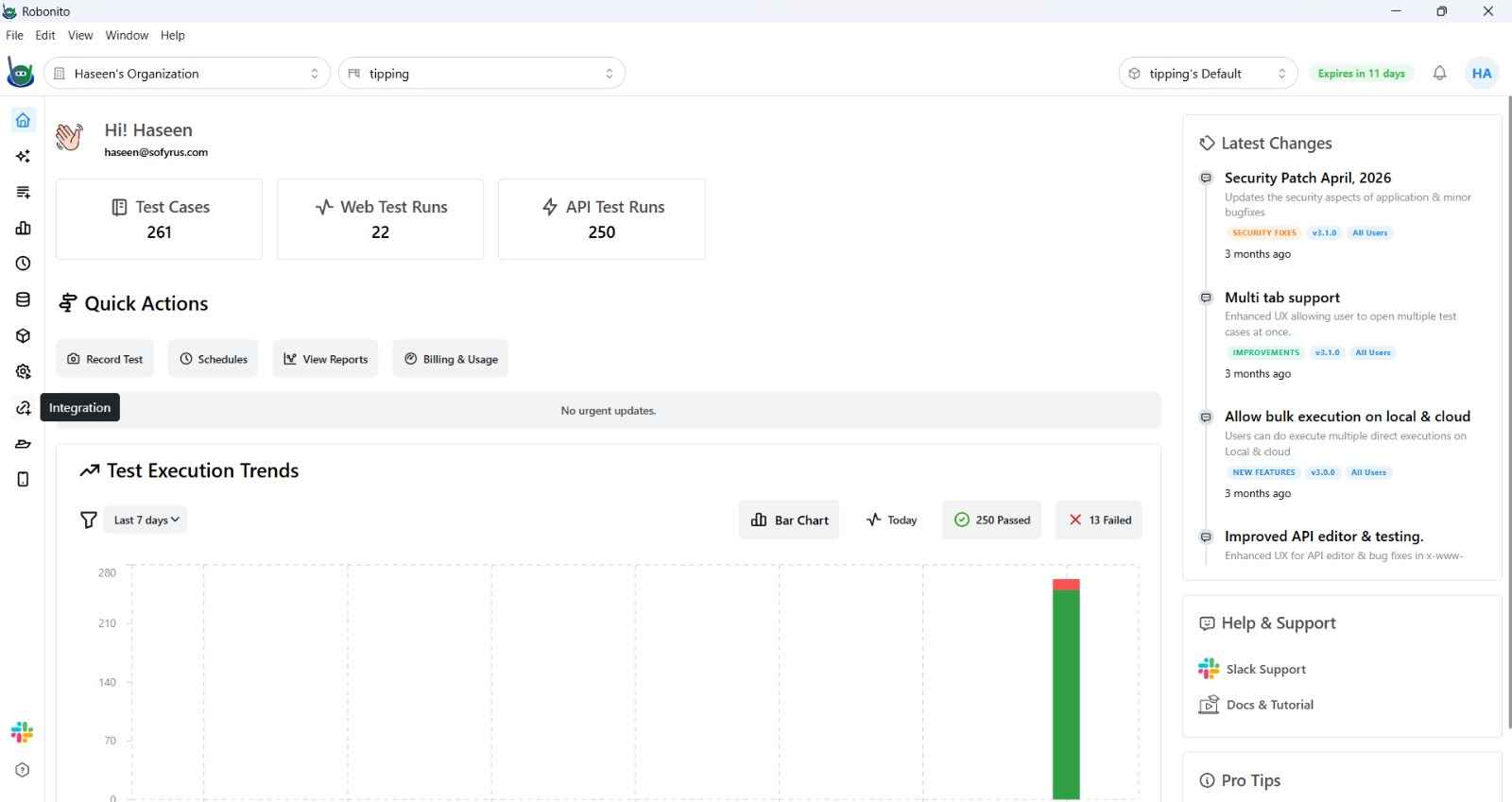
What It Does
- Create Asana tasks from test failures — log bugs as Asana tasks directly from an execution report, with failure details auto-filled.
- Link Asana tasks to AI Studio — reference an Asana task when running the AI agent so it uses the task description and requirements as context for test generation.
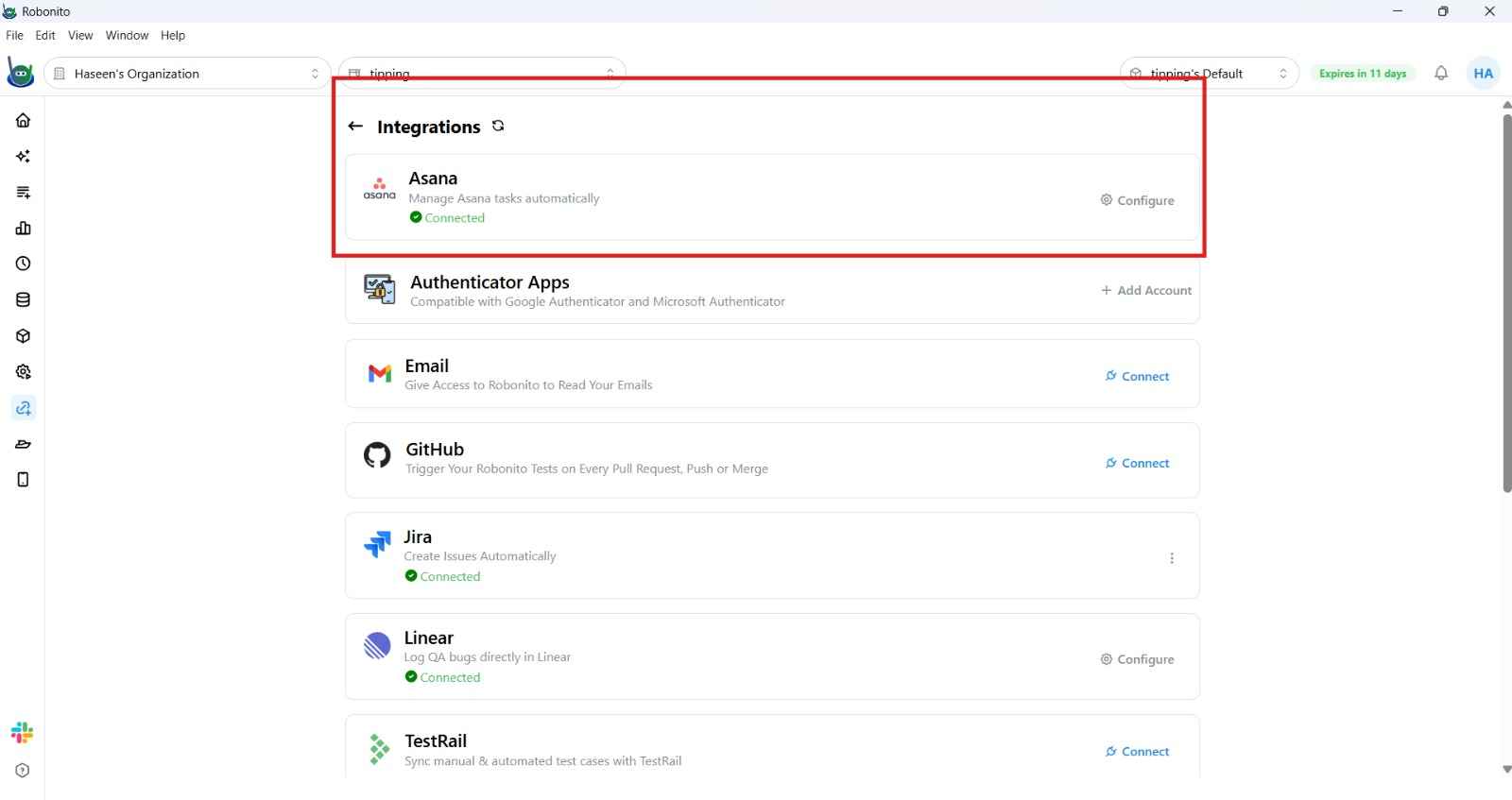
Connecting Asana
- Navigate to Integrations in the left sidebar.
- Click the Asana tile.
- Click Connect with Asana. A browser window opens requesting OAuth authorization.
- Select the Asana workspace to connect and approve the permissions.
- Return to Robonito — the status updates to Connected.
Configuring Defaults
- Open the Asana tile in Integrations.
- Click Edit Defaults.
- Set:
- Workspace — the Asana workspace for task creation.
- Project — the default Asana project where tasks are created.
- Assignee — the default task assignee.
- Save.
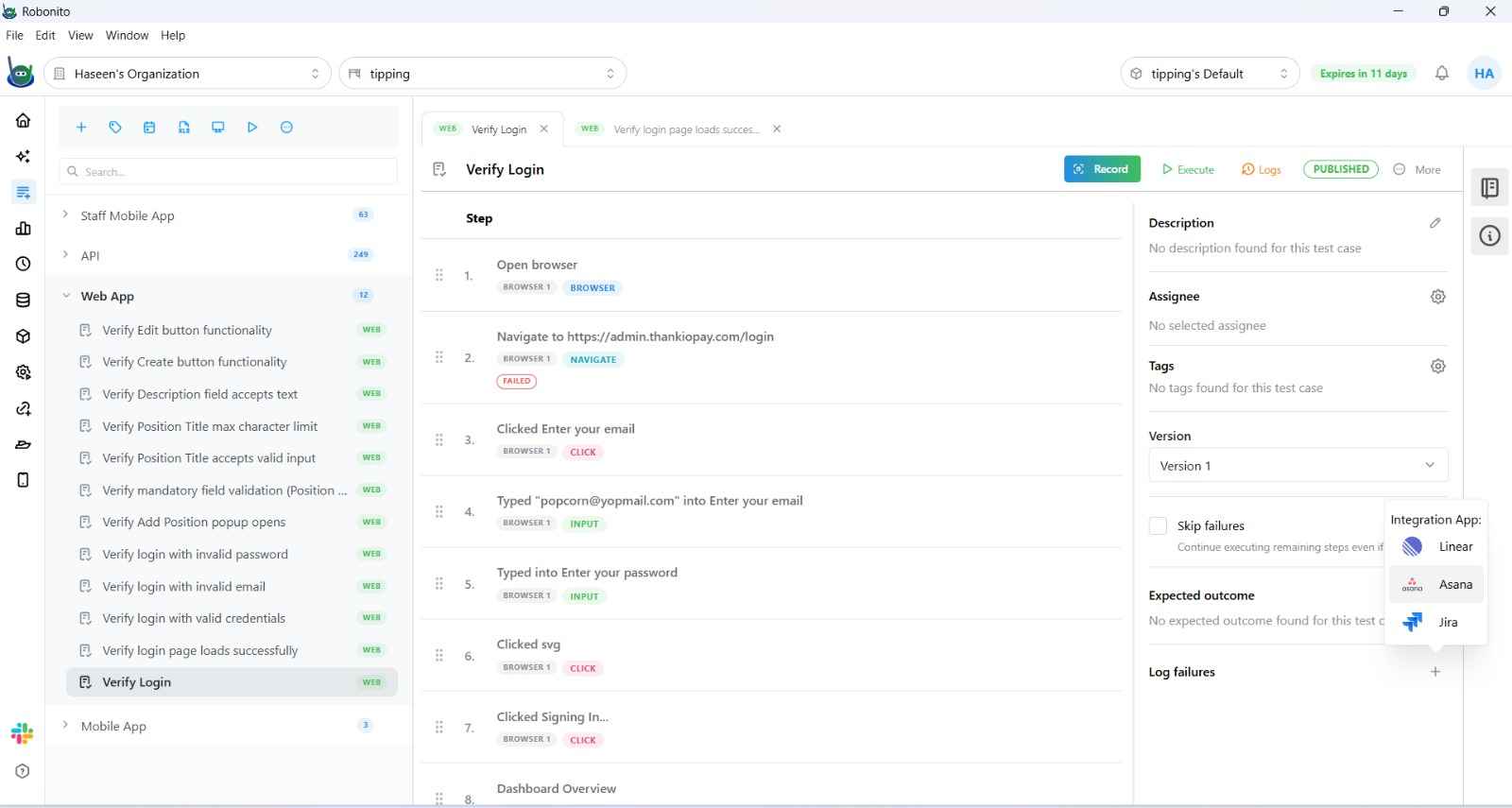
Creating an Asana Task from a Failure
When a test run fails:
- Open the Execution Report for the failing test case.
- Click Log Issue (or Create Asana Task) near the failed step.
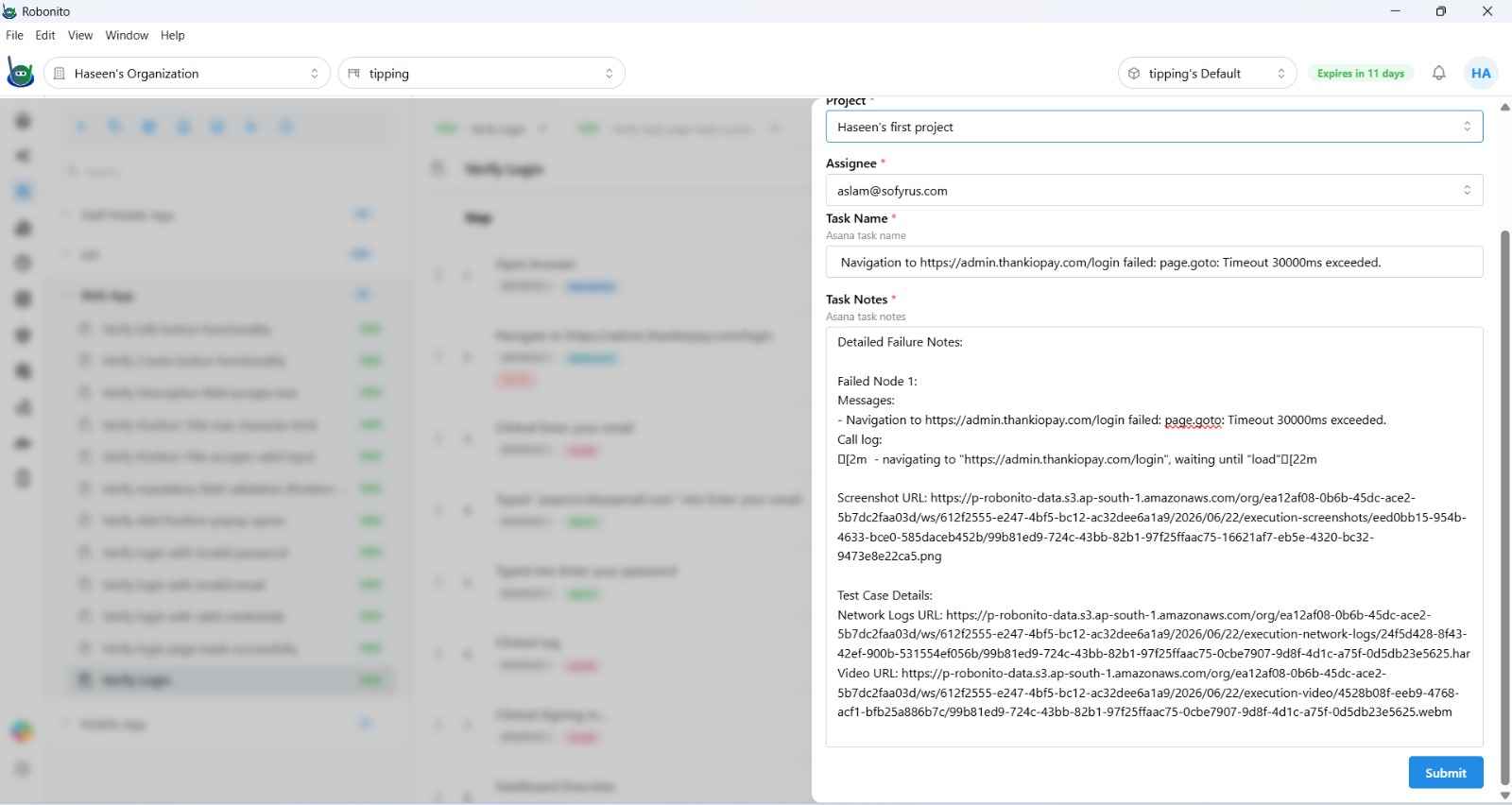
- A task creation form opens, pre-filled with:
- Task Name — the test case name and failure description.
- Description — failure logs, DOM state, and screenshot links from the execution report.
- Project and Assignee — from your defaults (editable).
- Click Create Task. The task appears in Asana and a link appears in the execution report.
Using Asana Tasks in AI Studio
Type /asana in the AI Studio chat input to attach an Asana task as context. The agent reads the task title and description to guide test generation.
See AI Studio → for more.
Disconnecting Asana
Open the Asana tile in Integrations and click Disconnect. Existing tasks in Asana are unaffected.