Understanding Robonito Workspaces
A Workspace in Robonito is the highest-level organizational unit. It acts as an isolated sandbox for your automation projects, ensuring that your test cases, suite executions, environment variables, and third-party integrations remain entirely separate from other projects.
Using separate workspaces helps teams enforce strict logical separation between drastically different software environments (e.g., separating your staging mobile app from your production web app).
Creating a Workspace
Upon logging into Robonito for the very first time, the system will prompt you to create an initial workspace to house your data.
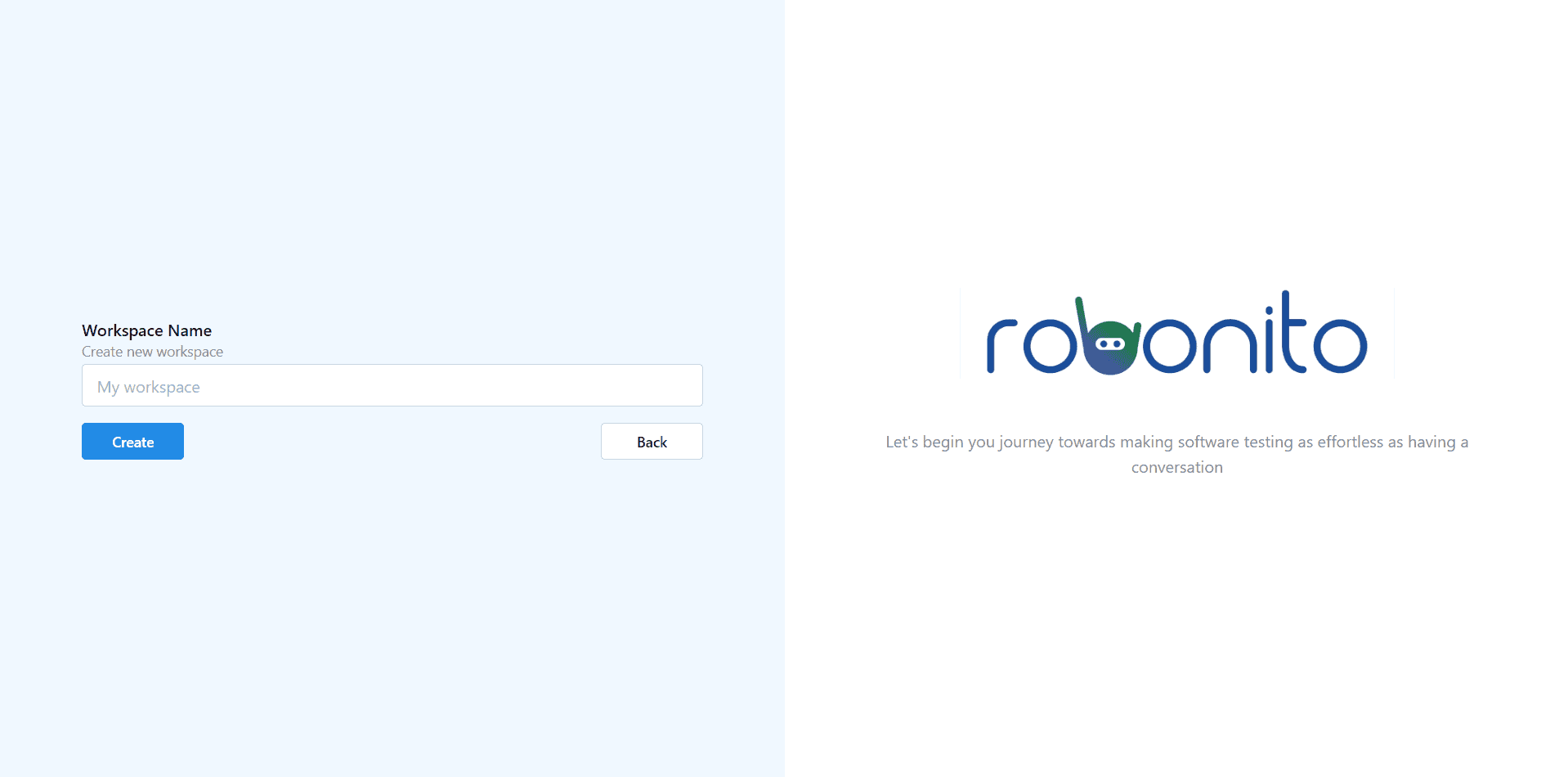
Steps to Create
- Access the Menu:
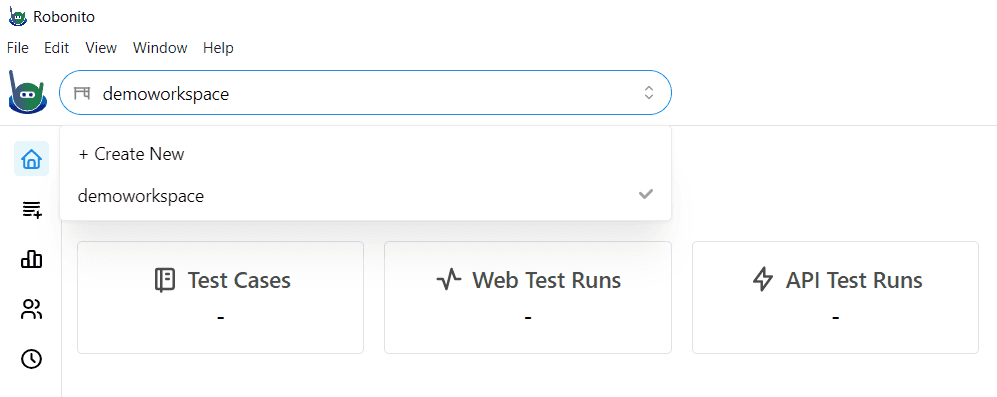
- Returning users can click the current workspace dropdown menu located globally in the top-left navigation bar (next to the Robonito icon).
- Select Create Workspace.
- Name the Workspace:
- Enter a clean, recognizable name (e.g., Frontend E-Commerce or Payment API QA).
- Click Create.
Your active dashboard will immediately refresh and switch over to the newly generated database boundaries.
Managing Your Workspaces
Once a workspace is initialized, you can explicitly manage its specific capabilities:
- Isolated Resources: Variables, data sources, and scripts created within this workspace cannot be accessed by other workspaces.
- Team Access Control: You can invite individual team members exclusively to this specific workspace.
- Custom Integrations: Bind Slack channels, Jira projects, or GitHub repositories uniquely to this workspace.
Next Step: Learn how to grant access to your test boundaries by adding Team Members.