User Settings & Profile
The User Settings dashboard is your personal control center in Robonito. Here you can manage your account profile, track your workspace usage, and configure security keys for external API access.
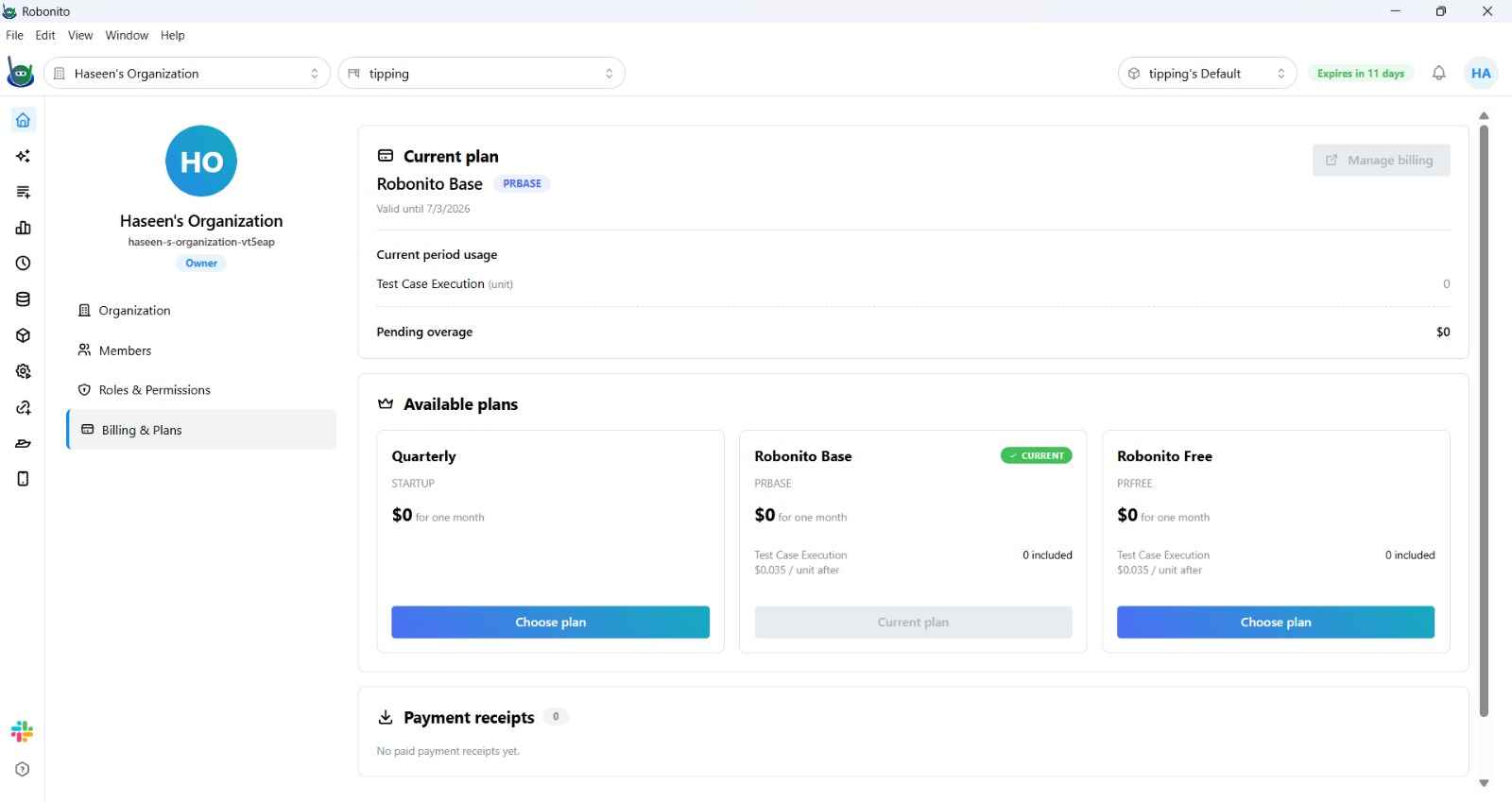
1. Usage & Billing
Track your current workspace consumption against your plan limits:
- Execution Minutes: Total time spent running tests in the cloud.
- Parallel Threads: Number of concurrent executions allowed.
- Data Retention: How long your test reports and videos are stored.
2. External APIs (API Keys)
Robonito allows you to generate API Access Tokens to interact with our platform programmatically. Use these tokens for:
- CI/CD Triggers: Triggering Robonito executions from Jenkins, GitLab, or custom scripts.
- Report Extraction: Exporting test data to third-party BI tools.
- Workspace Management: Programmatic creation of suites and test cases.
Security Note: Treat your API keys like passwords. Never commit them to version control.
3. License Management
View and update your Robonito subscription details.
- Active Plan: (e.g., Free, Professional, Enterprise)
- Expiry Date: When your current cycle ends.
- Renewal: Update your payment method or upgrade your tier directly from this menu.
4. Mobile & Browser Setup
The User Settings sidebar also provides quick access to your local testing environment configurations:
- Browser Management: Download and manage Chrome, Firefox, and Edge binaries.
- Mobile Setup: Configure Appium and Android/iOS SDKs for local emulation.
Tip: You can change your display name and update your avatar in the Profile section at the top of the settings page.