Reusable Test Cases
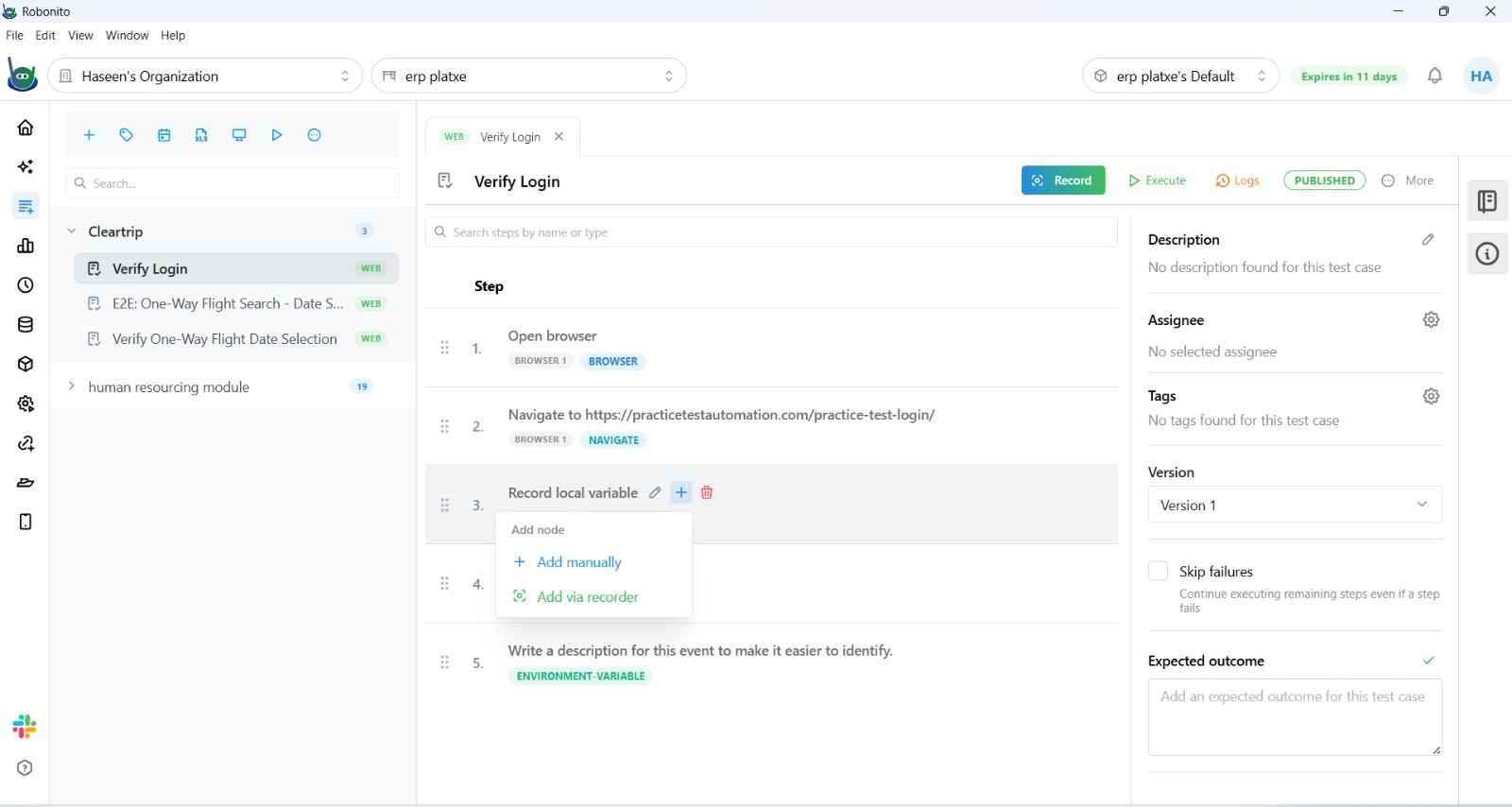
A Reusable Test Case is a test that is embedded as a single step inside another test case. Instead of duplicating the same recorded steps across multiple test cases — like a login flow that every authenticated test needs — you record it once and reference it everywhere.
Why Use Reusable Test Cases
Consider a common scenario: you have 20 test cases that all require the user to be logged in before testing anything meaningful. Without reuse, every test case starts with the same 5-step login flow. If your login page changes, you update all 20.
With a reusable test case:
- Record the login flow once as its own test case.
- Embed it as a single Reuse Test step in all 20 test cases.
- When the login flow changes, you update one test case — all 20 automatically use the updated version.
This dramatically reduces maintenance overhead and keeps your test suite DRY (Don't Repeat Yourself).
Common Use Cases
| Pattern | What to Reuse |
|---|---|
| Authentication | A "Login" test case that signs in and lands on the dashboard |
| Test data setup | A "Create Account" flow called before profile tests |
| Shared navigation | A multi-step navigation to a deeply nested page |
| Teardown | A "Logout" or "Clear Cart" test case run after checkout tests |
| API auth | A token-fetching API test case referenced by downstream API chains |
Creating a Reusable Test Case
Any test case can be reused — there is no special flag to enable. Simply:
- Record a test case that performs a self-contained, reusable action (e.g.,
Login as Admin). - Save it inside an appropriate suite (e.g.,
Shared FlowsorAuth).
That's it — it is now available as a reusable step in any other test case in the workspace.
Embedding a Reusable Test Case
To embed a test case inside another:
- Open the target test case in the Test Explorer.
- In the step timeline, click + Add Step → Reuse Test.
- In the step editor, search for and select the test case you want to embed (e.g.,
Login as Admin). - Save.
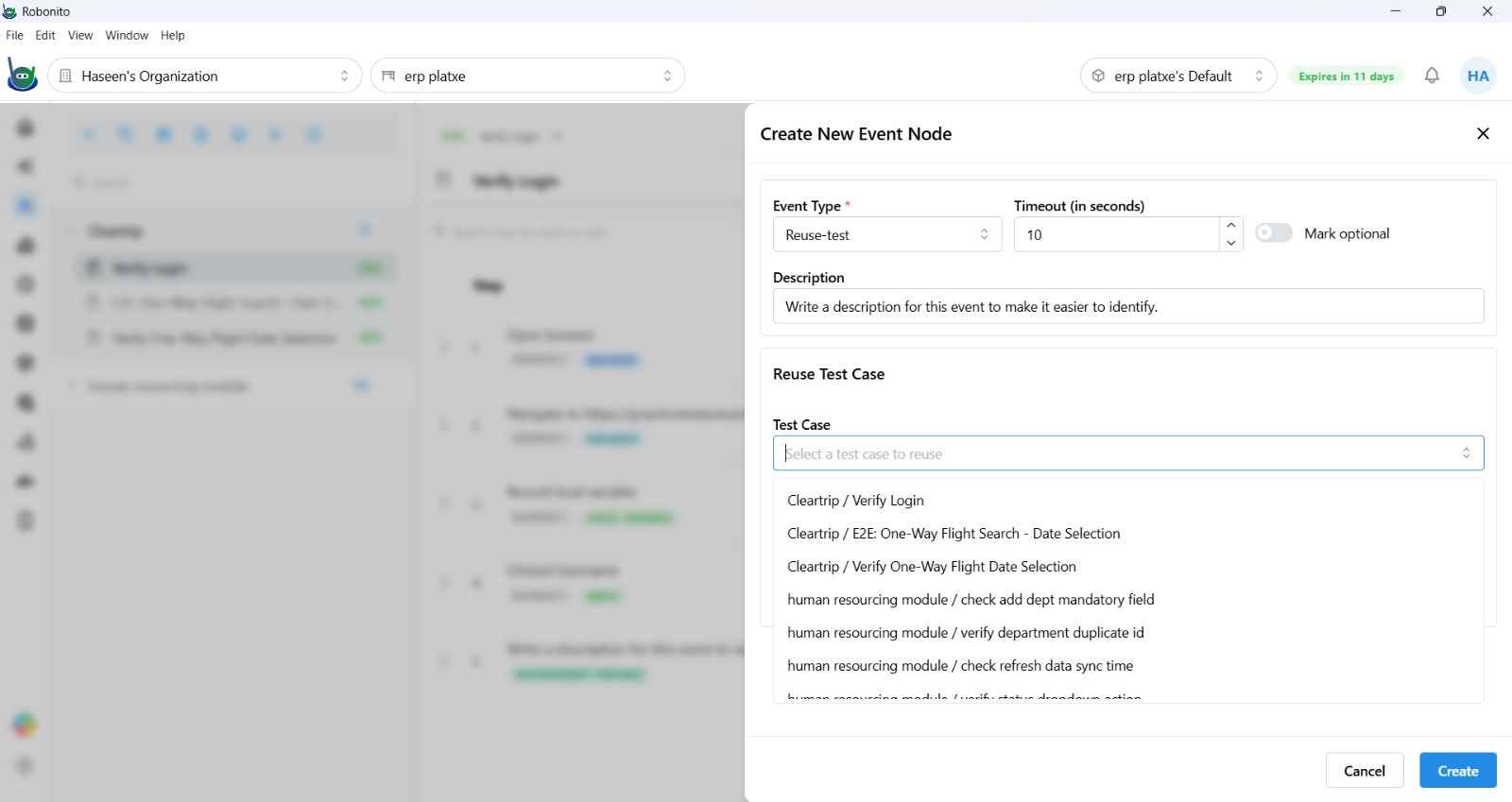
The referenced test case is shown as a single collapsible Reuse Test card in the timeline. During execution, Robonito expands and runs all of its steps inline — exactly as if you had recorded them directly in the parent test.
Execution Behavior
- Inline execution: All steps of the reused test are executed in sequence at the point where the
Reuse Teststep appears. - Failure propagation: If any step inside the reused test fails, the parent test is marked as failed at that step.
- Variables: Local variables captured inside the reused test case are available to subsequent steps in the parent test case — they are promoted into the parent's scope.
- Environment variables: Global variables updated inside the reused test are visible to the parent and to later tests in the same suite.
Updating a Reused Test Case
Edit the original referenced test case as you normally would. All parent tests that embed it will automatically use the updated version on the next execution — no changes needed in the parent tests.
Nesting Depth
Reuse Test steps can be nested — a reusable test can itself reference another reusable test. Keep nesting shallow (1–2 levels) to maintain readability and avoid circular references.
Auth Test Case (Special Case)
In the Web Recording configuration, there is a dedicated Auth Test Case field. When set, Robonito runs the selected test case before opening the recording browser — automatically injecting valid session cookies so you can start recording from an authenticated state, skipping the login flow every time.
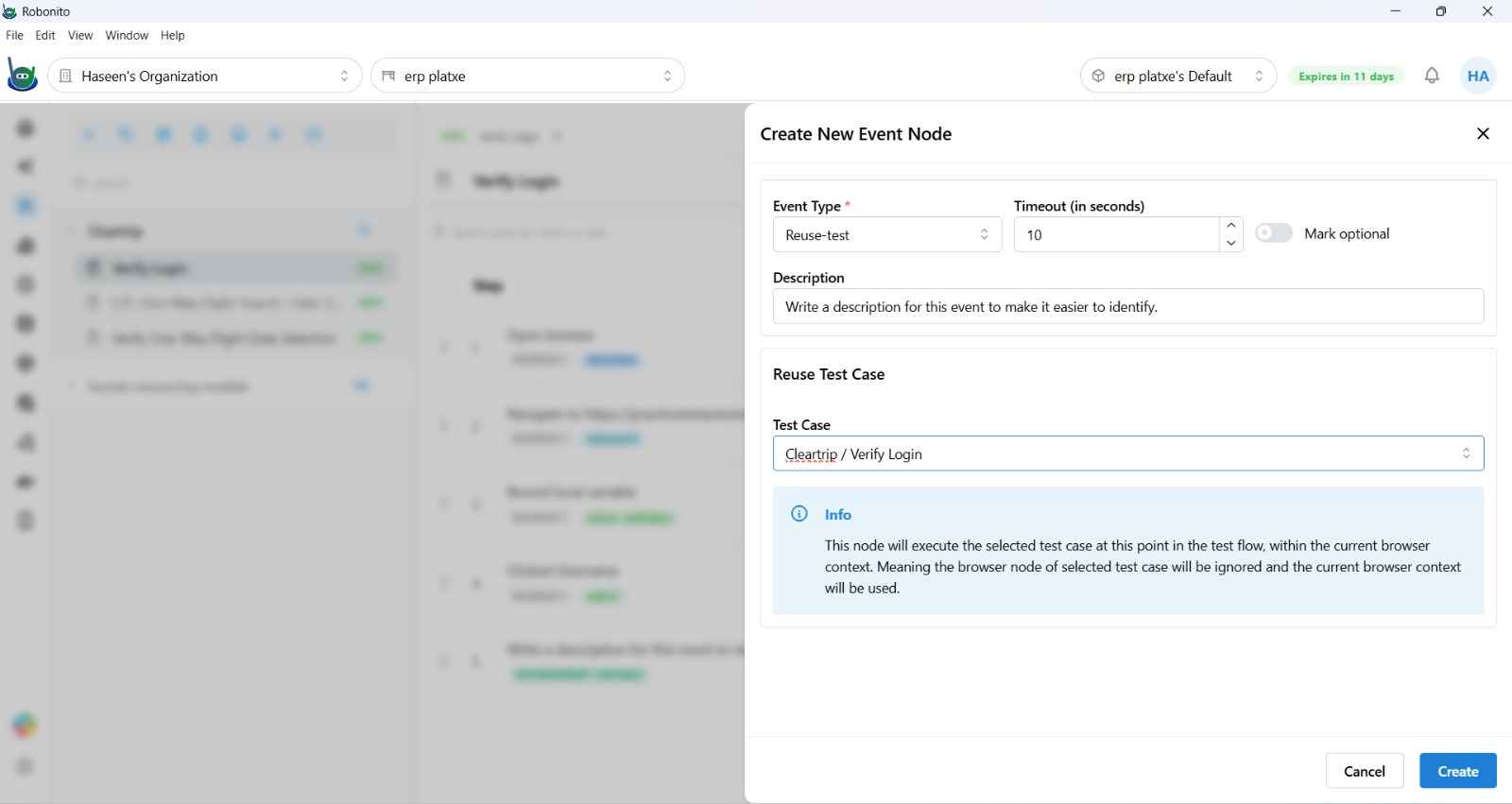
This is distinct from the general Reuse Test step — it is specifically a pre-recording hook for session bootstrapping.