Thread history, rewind & fork
Use this guide to back a conversation up to an earlier point (rewind) or branch it into a new conversation (fork), without losing your work.
A thread is one continuous conversation with the agent; everything you save and learn in it sticks around. When a thread drifts off track, you can rewind to a checkpoint or fork from it.
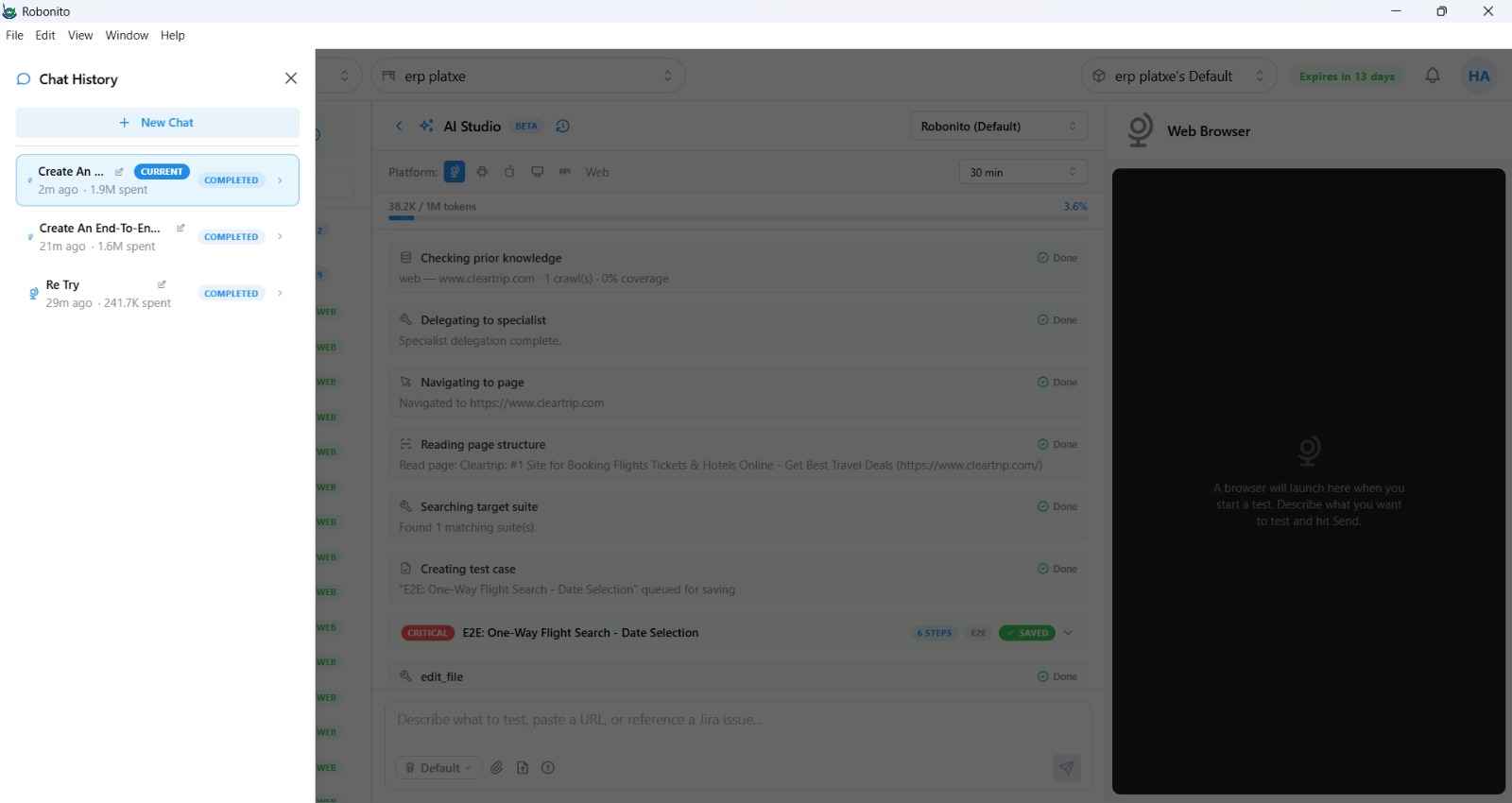
1. Rewind
Rewind moves the thread back to an earlier checkpoint — a saved point in the conversation — and continues from there.
- Open the history for the thread (the history icon in the chat header, or past conversations in the left Workspace pane).
- Pick the checkpoint you want to return to.
- Resume — the agent continues from that point as if the later turns hadn't happened.
2. Fork
Fork creates a new thread that starts from a chosen checkpoint, leaving the original intact. Use it to explore an alternative approach without disturbing the main run.
- Open history and pick a checkpoint.
- Choose Fork at this point.
- A new thread is created from that checkpoint; work in it freely — the original is unchanged.
Your place is remembered:
The most recent thread you opened is persisted per user and workspace, so reopening AI Studio returns you to where you left off.
3. When to use which
- Rewind — “that last part was a mistake; start over from here.”
- Fork — “this could go two ways; try the other one without touching the main thread.”
Related
- What a thread, checkpoint, and recipe are — Concepts.
- Modes you can combine with a fork — Choose an agent mode.