Mobile Setup
If mobile testing is not yet configured, Robonito displays a "Mobile Setup Not Complete" warning. Click Configure Environment to begin the automatic installation process.
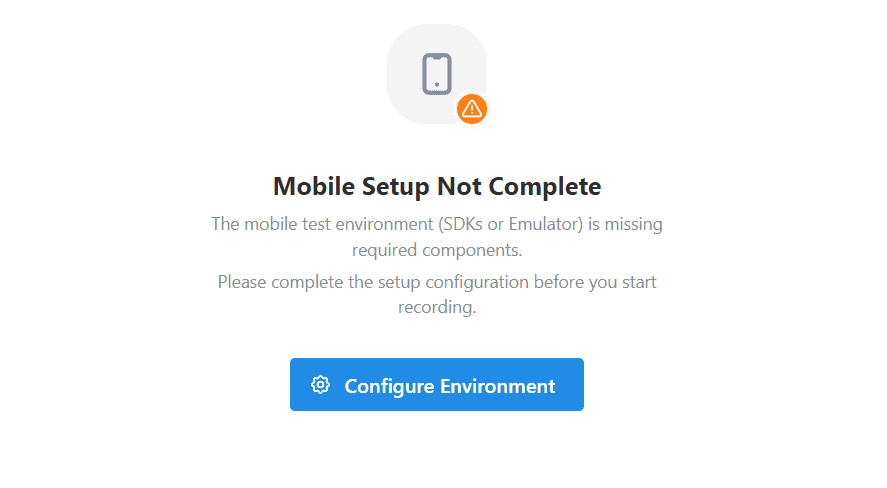
Important: Robonito installs all mobile SDKs into isolated folders managed by Robonito. This does not affect your machine's existing global environment variables, PATH, or any pre-installed Android/Node.js installations.
Platform Requirements
| Platform | Operating System | Additional Requirement |
|---|---|---|
| Android | Windows, macOS, or Linux | None |
| iOS | macOS with Apple Silicon only | Xcode (installed separately from Mac App Store) |
iOS simulation requires Xcode and only runs on macOS with Apple Silicon (M1/M2/M3). See the iOS Setup guide → for full details.
Required Components
Robonito displays a red MISSING status next to any component that is not yet installed. All components listed below must show INSTALLED before mobile recording is available.
Android Components
| Component | Description |
|---|---|
| Java Development Kit (JDK) | Java runtime required by Android build tools |
| Android Command Tools | Core Android SDK Manager utilities |
| Platform Tools (ADB) | Android Debug Bridge — communicates with the virtual device |
| Android Emulator | The virtual Android device used for test execution |
| Node.js Runtime | JavaScript engine used to run the Appium server (isolated installation) |
| Appium Server | Automation server that translates Robonito test steps into device interactions |
| UiAutomator2 Driver | Appium's Android automation driver |
iOS Components (macOS with Apple Silicon only)
| Component | Description |
|---|---|
| Node.js Runtime | Same isolated install as Android |
| Appium Server | Same server, handles both Android and iOS |
| XCUITest Driver | Appium's iOS automation driver (installed automatically on macOS) |
| Xcode | Must be installed manually from the Mac App Store — Robonito cannot install it |
Installing Components
- Open the Robonito application.
- Navigate to Environment Manager → Mobile Setup.
- Click Install All.
Robonito downloads and installs all missing components sequentially in the background. Installation typically takes 3–10 minutes depending on your internet connection.
Once complete, all components show a green INSTALLED status and the "Mobile Setup Not Complete" warning disappears.
Screenshot placeholder: [Screenshot of the Mobile Setup page with all components showing green INSTALLED status and the Install All button at the top]
Troubleshooting
| Issue | Solution |
|---|---|
A component shows MISSING after Install All | Click Install All again — some components have dependencies that must install first |
| Android emulator fails to launch | Ensure virtualization (Intel VT-x / AMD-V) is enabled in your machine's BIOS settings |
| iOS components are not shown | Mobile Setup only shows iOS components on macOS with Apple Silicon |
| Xcode not found (macOS) | Install Xcode from the Mac App Store, then re-run Install All |
ADB not found error during recording | Restart Robonito after installation to reload environment paths |
Next Steps
Once setup is complete: